Create your account
To get started with Smart-Dialog you need to create you account.
Go to your smart-dialog url, ie companyurl.com/smart-dialog and click the sign in button. (alternativly you can navigate to your SmartDialog url /Account/Register)
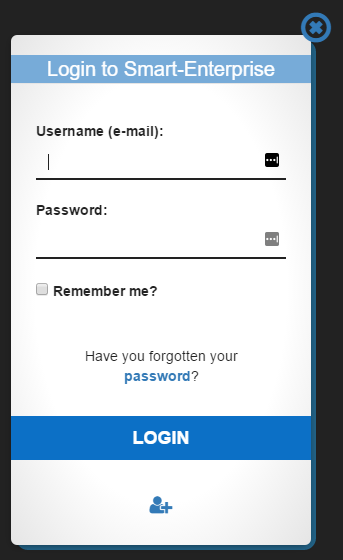
Click the user symbol and enter the required information.
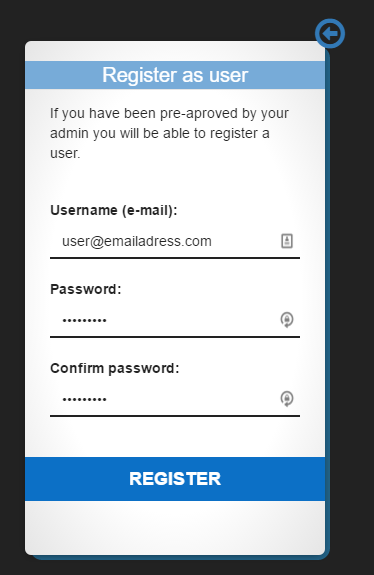
Once registered you can now begin using SmartDialog.
Issues while creating your account?
- Remember you must be pre-aproved by your admin you will be able to register a user.
- You must use the same email adress as username as the one your admin has added in Smart-Dialog
- The Password must be at least 6 characters long