Editing Expertises
Sometimes you need to do some changes to the way your system works, and SmartDialog is set up to give you as much control as possible.
One way is to give you controll over your own expertise areas. This allows you to auto assign tickets that are comes from different email adresses, and in turn saves you a lot of time.
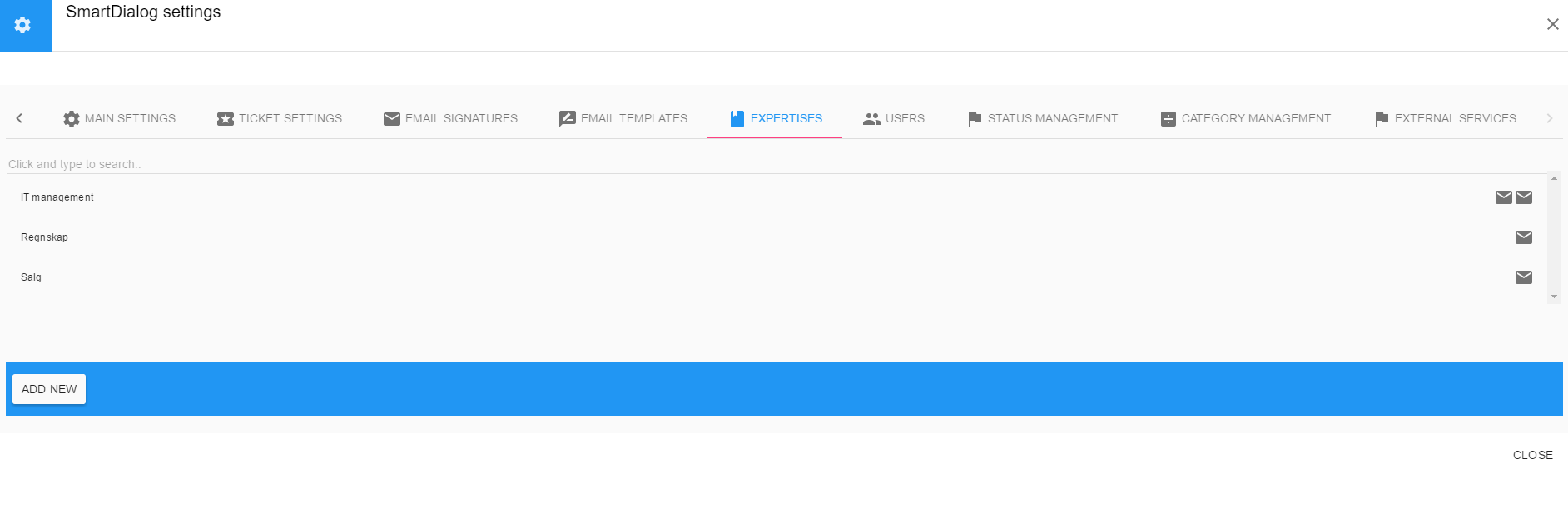
Steps to add and edit expertises (only available for superusers)
- Click on the user icon and select SmartDialog settings
- Select the Expertises icon
- Click add or select the expertise you wan to edit
- Add or edit the expertise name, and add or edit the expertise email adress. (Each expertise can have several email adresses)